

My WordPress site was struck by a hacker, this post, and the video below, tell the story about how I stroke back.
How it started
On March 26, I received an email from ThriveThemes, with the information that ...
In the beginning of March our team became aware of a vulnerability in our Legacy themes (Focusblog, Pressive, Rise, Performag, Minus, Voice, Squared, Ignition, Luxe and Storied). ... If you are using Thrive Theme Builder and Shapeshift or you have kept your website up to date with the latest versions of our software, you have nothing to worry about.
and ...
How do I know if my site got hacked?
The current exploit we’ve seen is sites being redirected to another URL.
What to do if my site got hacked?
Reach out to your hosting providers to rollback to a backup from minimum two days ago.
Immediately update the Legacy themes to the latest version.
Since our main site, IMBuyersClub.com, does use Thrive Theme Builder and Shapeshift but was "kept up to date with the latest versions of our software", I thought that "you have nothing to worry about."
But, I forgot one site that still used the "Legacy" (i.e. "old") Rise theme, and on March 27 I receive an email with the content as below from 20i.
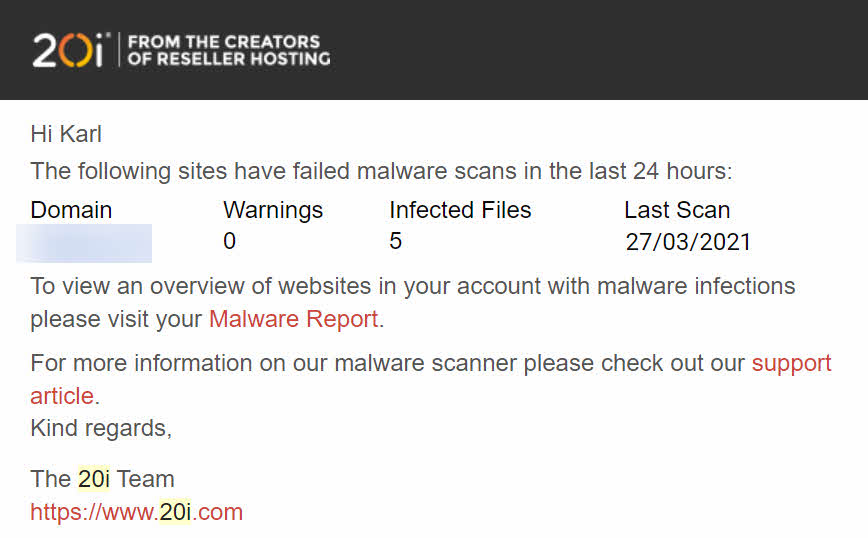
Trying to access that site both my virus protection programs on my computer (Malwarebytes and Kaspersky) prevented me because they detected the redirect to suspicious sites.
Disaster had struck but, luckily enough, that WordPress site is used more as a portal to other scripts on subdomains and not essential for club members' access.
Anyhow I had to clean that site, if nothing else, not to have the domain blacklisted everywhere and in the video below, you can follows the steps I took (and which you can take when hosting your sites on our club-hosting).
As you can see in the video, what could have been a real disaster for a WordPress site on another host, was easily repaired on a site hosted on IMBuyersClub hosting (powered by 20i).
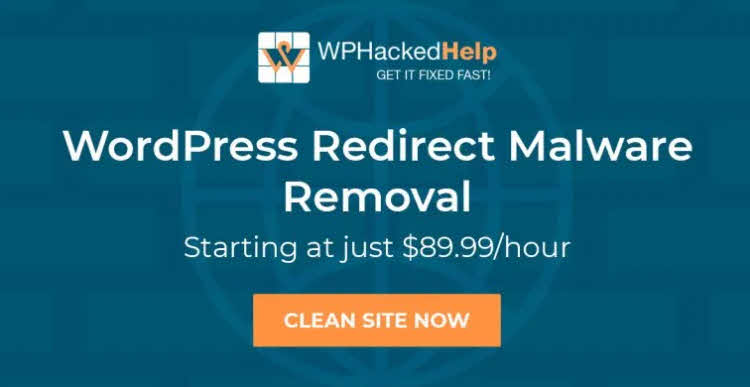
Maybe I could have cleaned the site manually (but the small attempt I made didn't work) or used a service from, for example, WPHackedHelp, which would have costed me "just" $89.99/h.
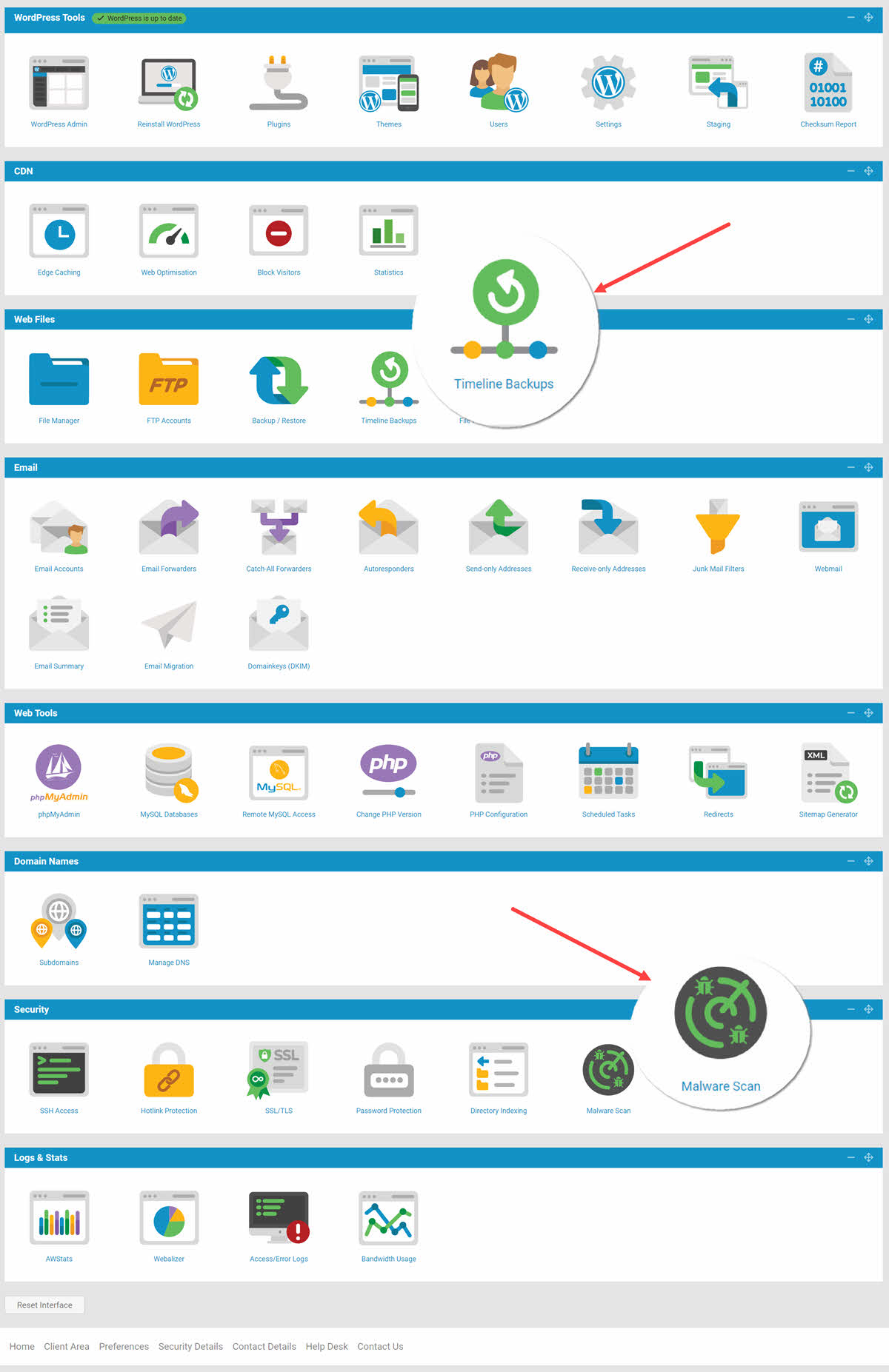
The two modules involved in the rescue operation are Malware Scan and Timeline Backups and in the screenshot below, you can see where to find them in the modern control panel for your club hosting packages. I also hope that you noticed in the video the additional function of Timeline Backups for cloning sites between different packages on your hosting account. This is something I use to easily and fast deploy the Kadestack sites to your 11.30-accounts.
If you already have your sites hosted with IMBuyersClub Hosting, do pay attention to and act upon any email about malware warning received.
If you still haven't created your hosting account and ordered the, now four, hosting packages included in your membership, what are you waiting for? I now save 138€ every month since having moved almost all my sites to our club-hosting (powered by 20i).
Kadestack or YTEvolution members on the 11.30 plan can also get four packages at any time by moving directly to the monthly plan not having to wait for the 365 days of free hosting to expire.
If any questions or comments, please write below or open a support ticket.